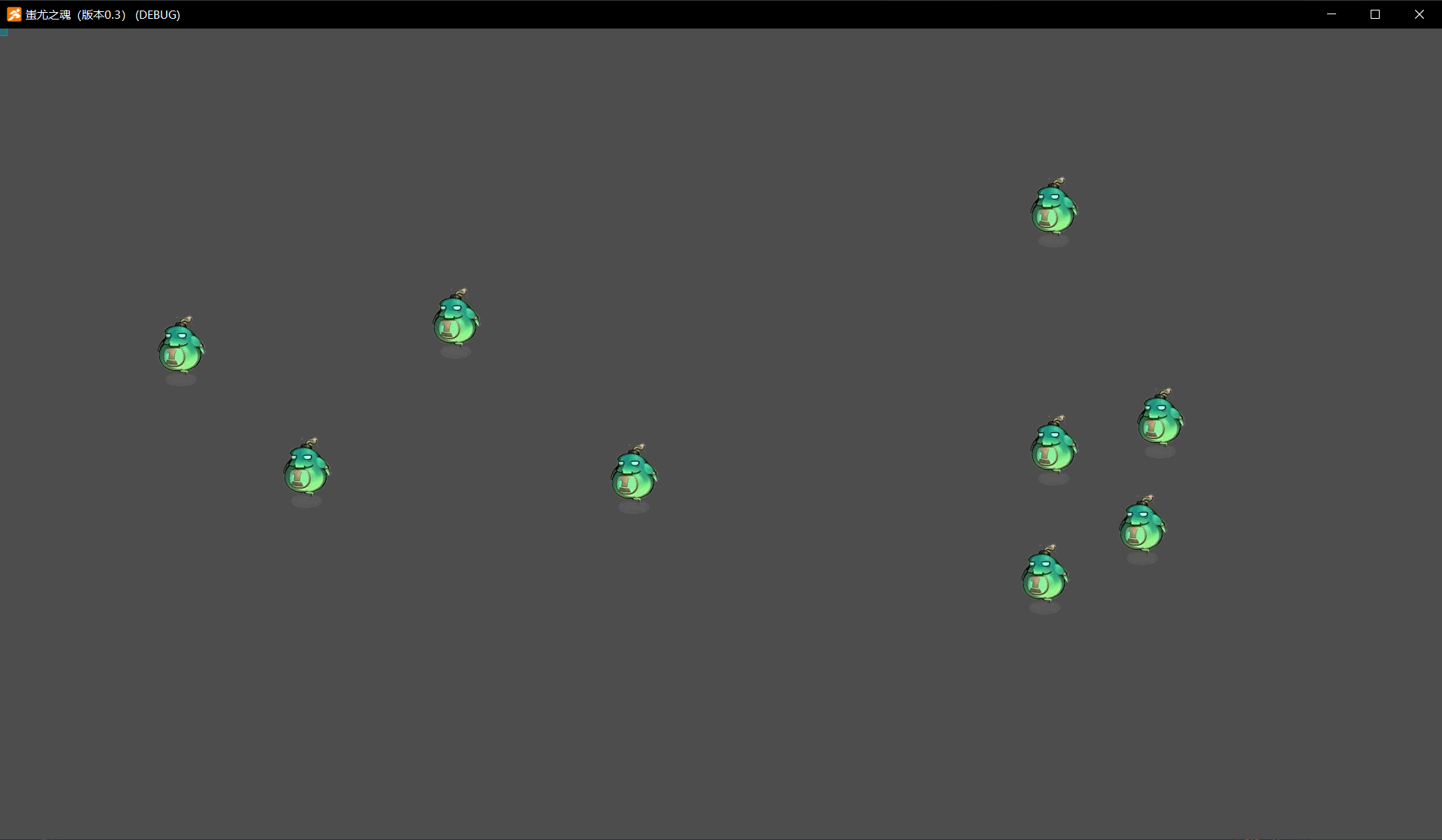
Notes:
Based on the updated version of AGM: V 1.0.17, implement codeless random enemy generation.
Steps:
-
Create a game scene (main scene) and a game object (enemy).
-
In the main scene, create a child object (Enemy Spawner). (Note: Disable gravity and turn off the collision box.)

- In the project database, set two project variables: Random X Coordinate and Random Y Coordinate.

- Write an event script in the child object “Enemy Spawner”.
(1) Set the variable values.

Modify the “Random X Coordinate” variable to a random number, with the range constrained within the screen.
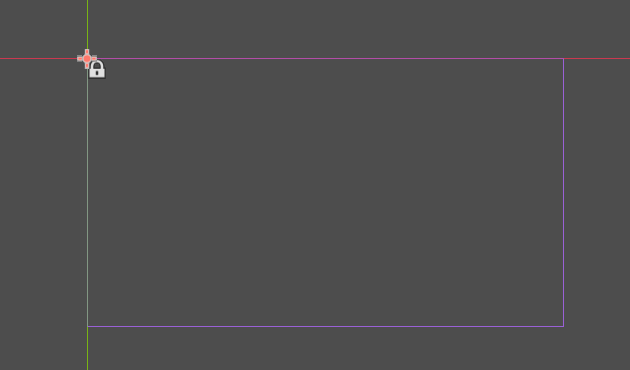
Be sure to adjust the camera position so that it aligns with the initial screen position. Otherwise, the range for generated objects will need to be adjusted with negative values accordingly; otherwise, generated enemies may appear outside the screen.
(2) Begin creating the event script state machine.

In the first state, random coordinates have been set. When connecting lines, set an event to generate the first object and define its properties.
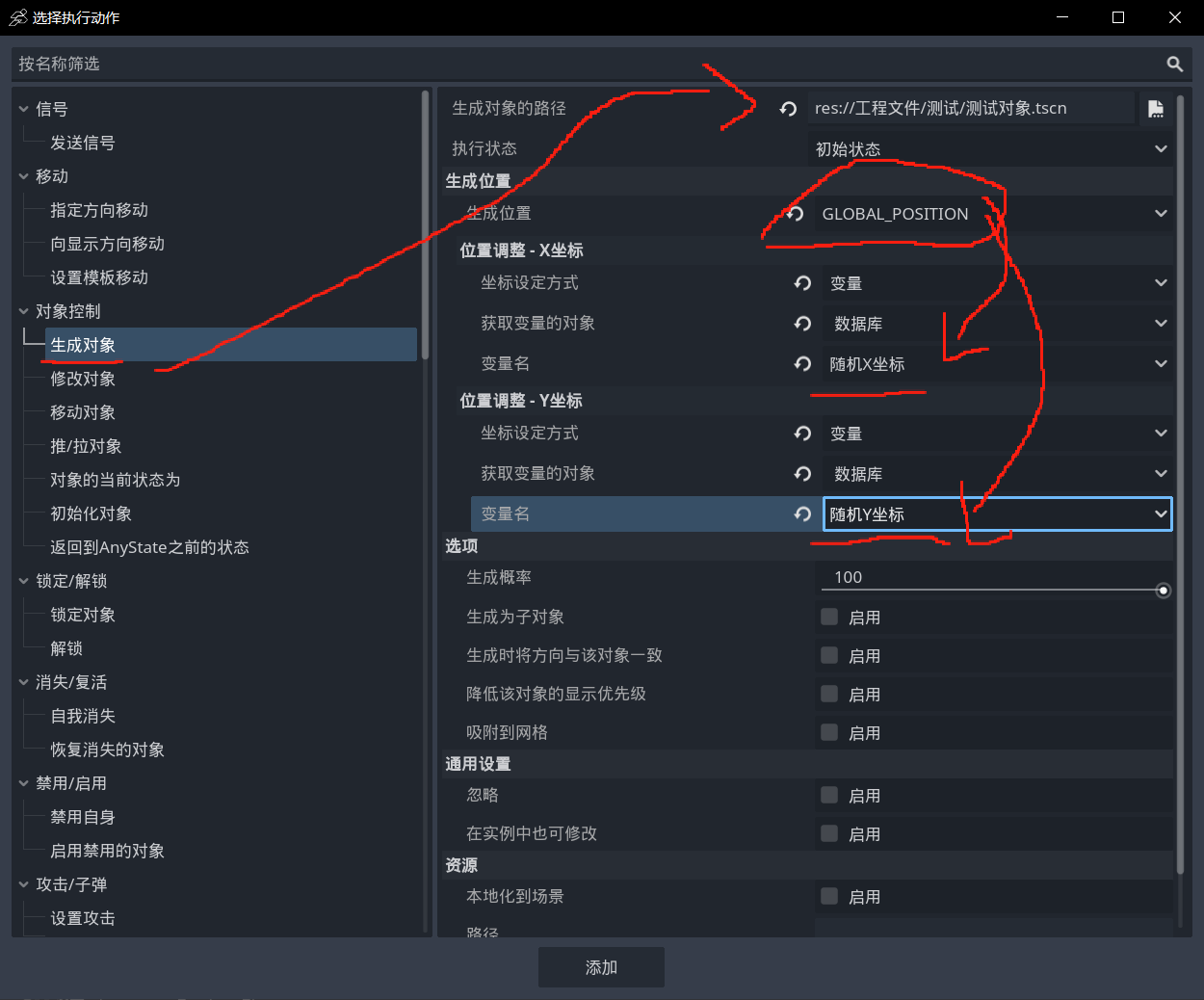
Set the object path, with the generation position as “GLOBAL_POSITION” and the coordinates as the randomly generated coordinate variables created just now.

Create a closed-loop state machine by copying actions and connections to implement an automatic loop that generates enemies at regular intervals. (Special note: In the event that generates the first object, reset the X and Y random variable coordinates to allow AGM to reposition to new random coordinates. For each subsequent generation, update the coordinates again.)

Finally: Production complete, test with F5!