Creating the “Game Object” Scene
Now, let’s create a scene for the game object.
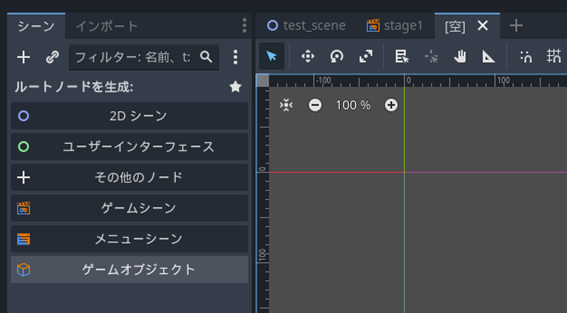
- As when creating Stage1, add a new scene by clicking the “+” at the top of the editor window.

- Create a root node: select “Game Object”.
- The “Create New Object” window will appear. ACTION GAME MAKER allows you to create various objects from templates. Configure it as follows:
Object Name: Player
Use Template: Character
Type (Class): 2DSprite Character Base
Object Group: Player
Operable via Input Device: On
Automatically generate Camera Target Settings: On

- A scene with various nodes has been generated.

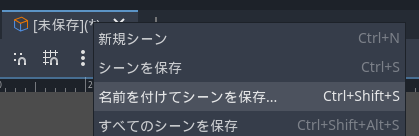
- Save the scene with a name. You can simply name it “player.tscn”.