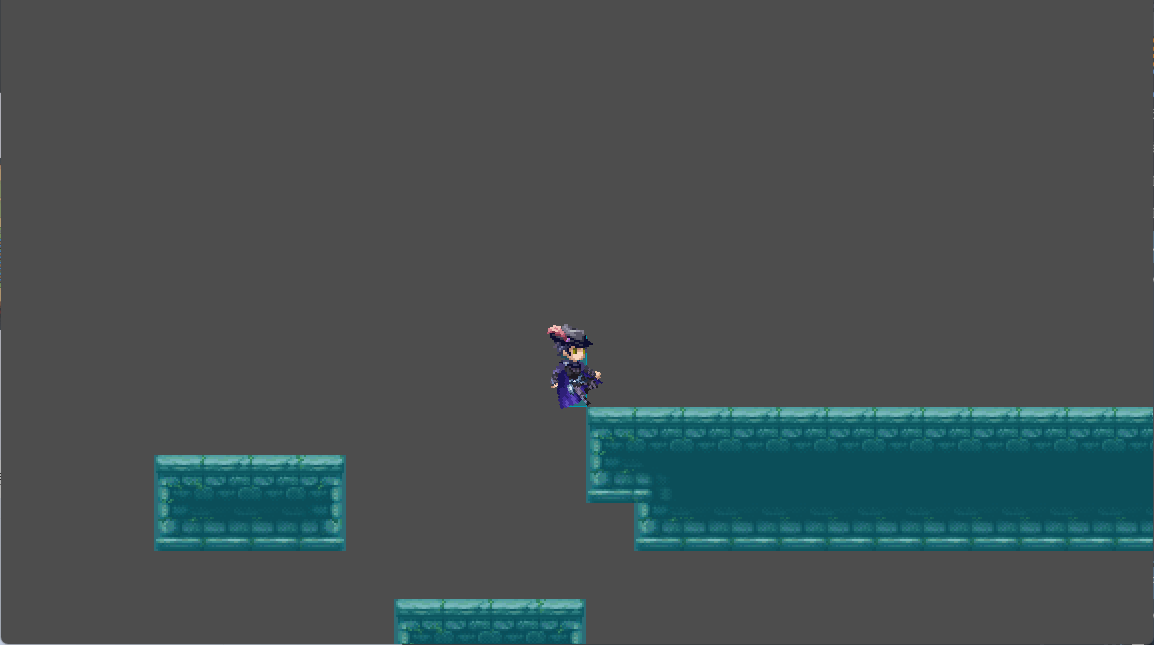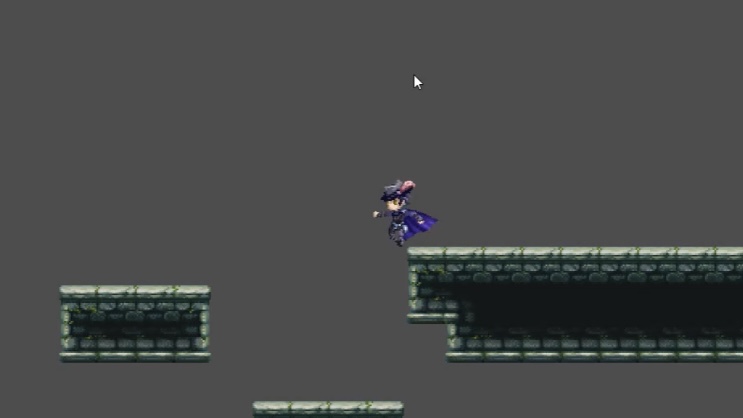

The edges of the rectangular collision are being detected as air.
The player’s collider and tiles are both rectangular, but the edges are frequently treated as air detection.
The edge of the rectangle collision is considered as air detection.
The edges of the rectangular collision are being detected as air.
The player’s collider and tiles are both rectangular, but the edges are frequently treated as air detection.
The edge of the rectangle collision is considered as air detection.
The issue is similar to Having serious collision issues with 1.0.20 (worse than 1.0.18) - ACTION GAME MAKER / Questions/質問 - RPG MAKER GUILD - https://guild.rpgmakerofficial.com/.
This issue has been reported to the development team.
Please check if the wall collision box of the following character has been rotated 90 degrees. Restoring it to 0 degrees will resolve the issue.
This is the screen for displaying colliders.
The display of colliders in debug mode looks like this.
The collision box has always been at 0 degrees with no rotation.
Could you please provide a specific reproduction project for further analysis?
debugger.zip (109.8 KB) I created a simple project. Please try enabling the debug mode to visualize colliders, then use the arrow keys to move gradually toward the edges. Upon reaching a collider corner, the state will change to “fall.”
This issue can be reproduced in version 1.0.21. It appears that contact with the ground is not detected when in a corner. This has been reported as a bug.
However, I personally recommend using a “more reliable” ground detection method.
The true physical meaning of “falling” is simply “position is decreasing” and “velocity is directed downward.” Therefore, using y_speed > 0 as the condition can avoid these issues.
Thanks for the suggestion; it indeed directly resolves the issue of getting stuck during the fall. However, other states still get stuck, so the root cause still needs to be fixed by the official team.