Currently, even if you set the “Move Object” action to move toward the connector’s position, the orientation is not reflected. To address this, I implemented the following solution:
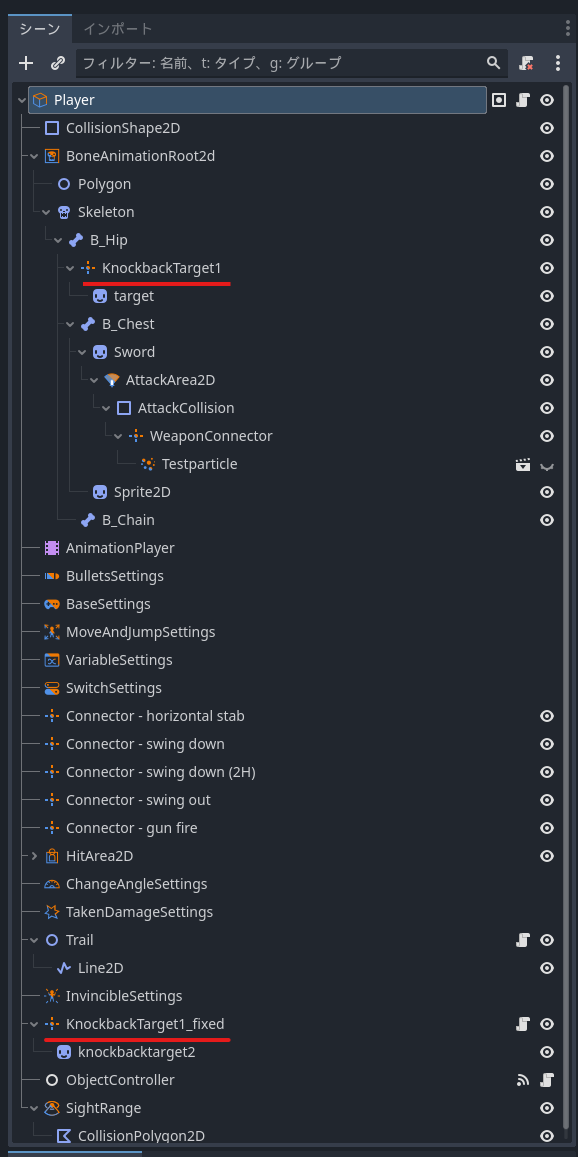
First, create the target connector A, and then create A_fixed directly under the parent object to reflect its position.
By attaching the following script to the A_fixed connector, the orientation will be reflected when selecting the A_fixed connector in the “Move Object” action.
connector.gd (3.5 KB)
※ I feel that rotation is not considered, so the behavior may become strange during rotation!