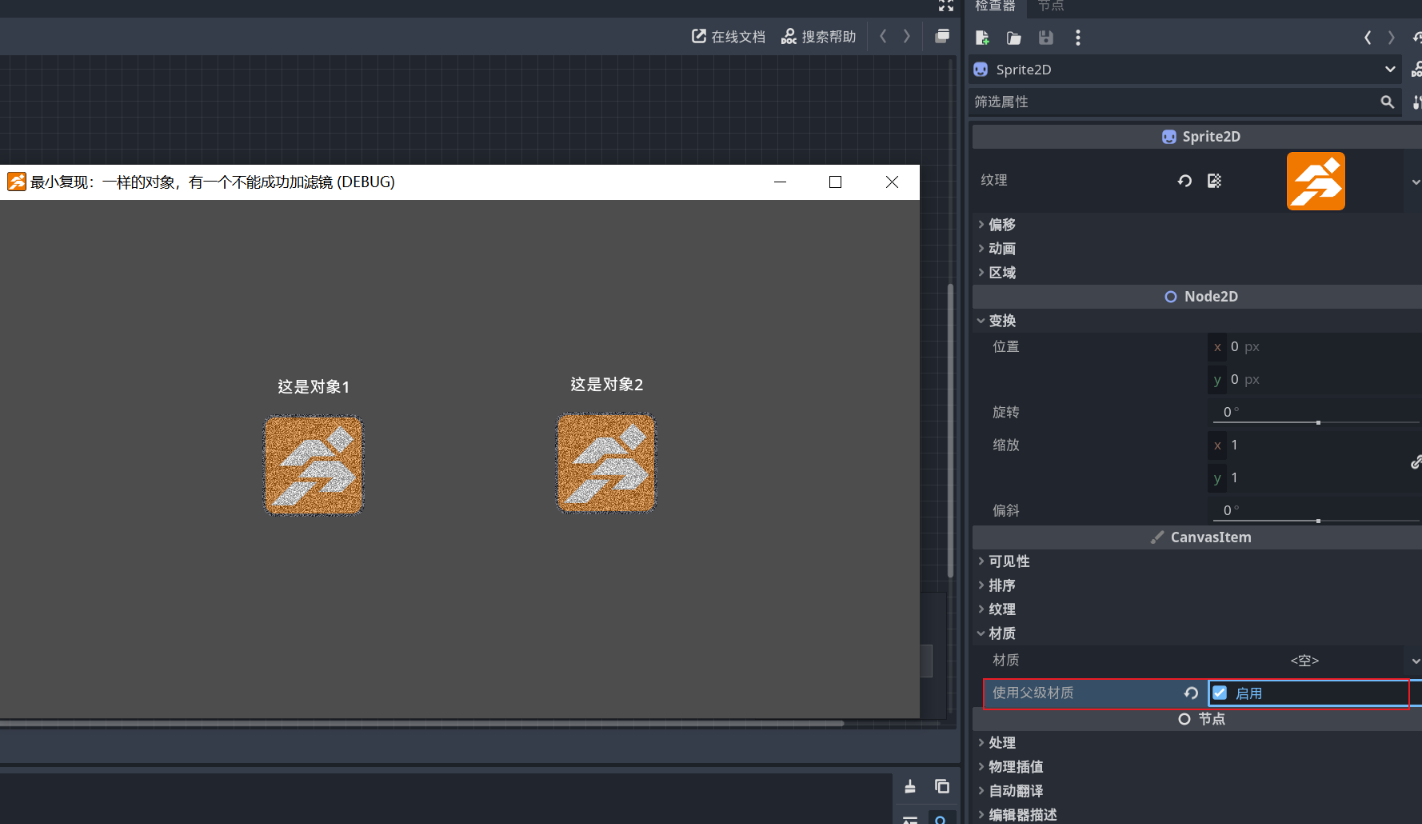
The content of this project is that there are two objects inside, and their nodes and programs are identical—both add noise to themselves—but the second object does not display the noise during gameplay. It is worth noting that although they appear identical, they are created differently: Object 1 is created as a character template, then some nodes are removed to match Object 2. Object 2 is created as a blank template.
The filter effect of AGM is applied to the root node, and any child nodes that need to respond to this effect must check “Use Parent Material.” This option is enabled by default for Sprite2D in newly created GameObjects. However, for Sprite2D added manually, this option is disabled by default.
The trade-off here is that if you want to add some material effects to Sprite2D yourself, then you can only choose one between this effect and the AGM filter effect through this option.